Choosing the Right Size for Laptop Skins

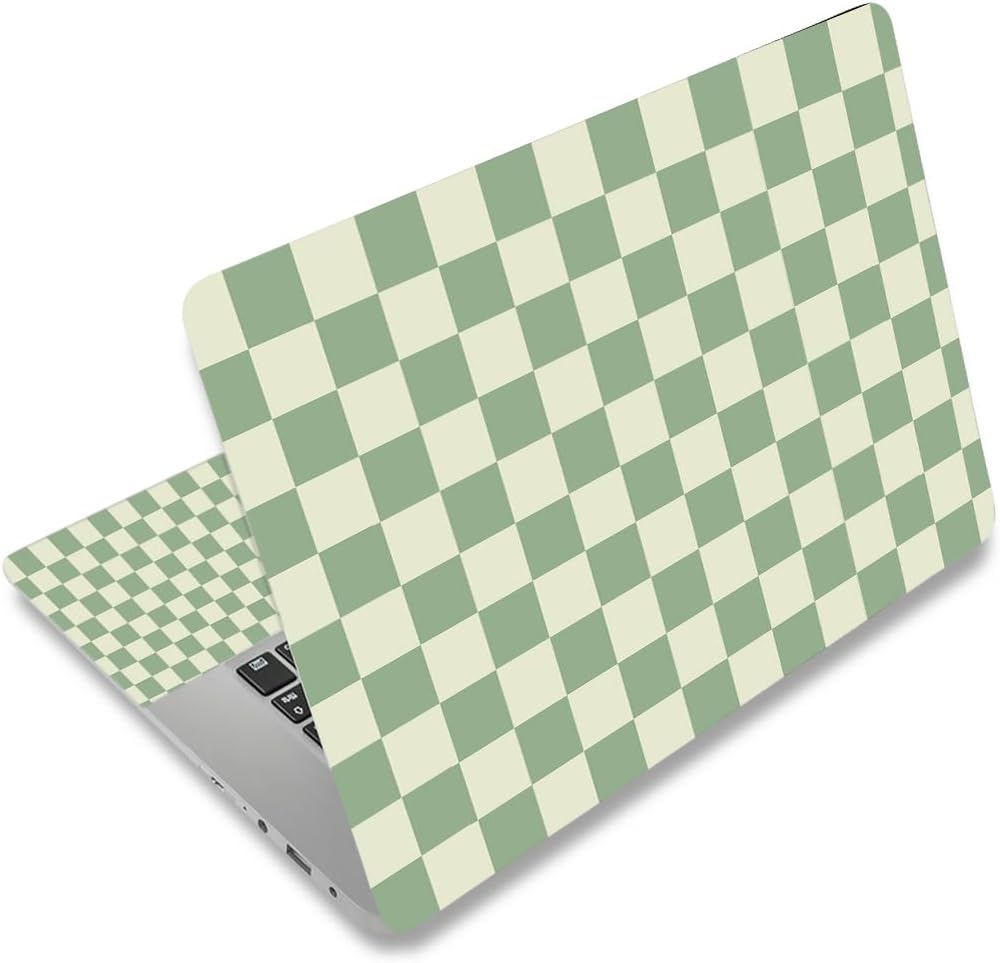
When it comes to personalizing your laptop, one of the best ways to express your style is through laptop skins. However, choosing the right size for your laptop skin can be a challenge. In this guide, we’ll help you measure your laptop accurately so you can find the perfect fit without the hassle of size mismatches.
Understanding Laptop Sizes
Laptops come in various sizes, and knowing your model’s dimensions is crucial before purchasing a skin. Most manufacturers offer information about the screen size, which is typically measured diagonally from corner to corner. However, the overall dimensions, including width and depth, also play a significant role in ensuring a proper fit for your skin.
It’s important to remember that the screen size does not account for the entire laptop’s chassis. Some laptops may have larger bezels or different shapes, which affects the skin’s dimensions. Therefore, measuring your laptop’s full width and depth will provide a more accurate basis for your skin selection.
Measuring Your Laptop
To measure your laptop effectively, you’ll need a flexible measuring tape or a ruler. Start by measuring the width: open your laptop and measure from the left edge of the screen to the right edge. Next, measure the depth by placing your measuring tape from the front edge to the back edge of the laptop. Be sure to note these measurements down, as they’ll guide your skin selection.
Don’t forget to measure the thickness of your laptop as well. While this dimension might not be as critical for a skin purchase, it helps ensure compatibility with accessories like cases or sleeves. Keep your measurements handy as you browse our selection of laptop skins!
Types of Laptop Skins
Now that you’ve measured your laptop, it’s time to explore the types of laptop skins available. Laptop skins come in various materials and designs, ranging from vinyl to fabric. Each offers a unique look and feel, catering to different aesthetics and preferences.
Some popular designs include whimsical themes, such as the Nurse Stickers, featuring 50PCS Vinyl Waterproof Funny Nurse Decals. Others might prefer animal prints, like the Leopard Print options, which add a touch of flair to any device. Understanding the different types will help you select the perfect skin that matches your style.
Common Laptop Sizes
Most laptop skins are designed to fit standard screen sizes, which usually range from 11 to 17 inches. Some common laptop sizes include 12, 13.3, 14, 15.6, among others. Knowing these common sizes can help you narrow down your options when browsing through our collection.
Popular Laptop Sizes
- 12 to 12.1 inches
- 13 to 13.3 inches
- 14 inches
- 15 to 15.6 inches
When browsing for skins, always check the specific size options available. Each skin typically has a designated size range, ensuring it will fit snugly without overlapping or leaving gaps around the edges. This attention to detail will enhance the overall aesthetic of your laptop.
Avoiding Size Mismatches
Size mismatches can lead to frustration, especially when you’ve found a skin that perfectly matches your style. To avoid this, double-check the measurements you’ve taken to ensure accuracy. Also, review the product specifications carefully before making a purchase.
Many online retailers, including our shop, provide a size chart. Referencing this chart can help clarify which skins correspond to your laptop’s measurements. It’s always better to take your time to ensure you’re choosing the right fit rather than rushing and ending up with a mismatched skin.
Application Tips for Laptop Skins
Once you’ve chosen the right skin for your laptop, proper application is key to achieving a flawless look. Begin by cleaning your laptop surface with a microfiber cloth to remove dust and fingerprints. A clean surface ensures better adhesion and a smoother appearance for your skin.
When applying the skin, start from one edge and gradually work your way across, smoothing out any bubbles or creases with a credit card or similar object. This technique helps achieve a bubble-free application, giving your laptop a professional finish. Take your time during this process for the best results!
Maintaining Your Laptop Skin
Once your laptop skin is applied, maintaining its appearance is essential. Regular cleaning with a soft, damp cloth can help prevent dirt and residue buildup. Avoid using harsh chemicals or abrasive materials that might damage the skin’s surface.
If your skin begins to lift at the edges or shows signs of wear, consider applying a protective layer or screen filter, such as the 15.6″ Laptop Screen Protector. This additional layer can help safeguard against scratches and discoloration, prolonging the life of your skin.
Where to start
To begin your journey in selecting the perfect laptop skin, measure your device accurately, taking note of the width, depth, and thickness. With these measurements in hand, explore our collection of diverse designs and types, like the charming Nurse Stickers or exotic Leopard Print skins.
Remember to refer to sizing charts and product specifications to ensure a perfect fit. By following these steps, you’ll be well on your way to enhancing your laptop with a stylish skin that reflects your personality while ensuring it remains protected.
From our shelves
- Nurse Stickers, 50PCS Vinyl Waterproof Funny Nurse Decals for Laptop Notebook Water Bottles Nurses Week
- 12 12.1 13 13.3 14 15 15.4 15.6 in Skin Laptop Sticker Decal, Netbook Skins for Notebook PC
- Leopard Print: Gifts / Gift / Presents ( Leopard Skin / Fur – Ruled Notebook ) [ Animal Print Stationery /
Browse the Laptop Skins and Screen Filters range, or see everything in stock. Questions about what suits your setup? Talk to us or read the FAQ.