Caring for Your Desk Stand: A Maintenance Guide

Your desk is more than just a workspace; it’s a reflection of your productivity and creativity. Keeping your desk stand in top shape is essential for effective work and to enhance your workspace aesthetic. In this guide, we’ll explore practical tips for maintaining your desk stands and risers, ensuring they remain functional and stylish for years to come.
Understanding Your Desk Stand
Before diving into maintenance, it’s important to understand your desk stand’s design and materials. Whether you have a CloudValley Adjustable Laptop Stand or a Triyards Portable Laptop Riser, different stands require different care methods. Familiarizing yourself with the specifics of your product can help you maintain its functionality and appearance.
Most desk stands are made from materials like aluminum, plastic, or acrylic, each with unique properties. For instance, aluminum stands are lightweight yet durable, while acrylic offers a modern aesthetic. Knowing your stand’s material will guide you on appropriate cleaning and maintenance practices, ensuring longevity and optimal performance.
Regular Cleaning Routine
To keep your desk stand looking pristine, establish a regular cleaning routine. Dust and grime can accumulate over time, affecting its appearance and functionality. Use a soft, lint-free cloth to wipe down the surface weekly, ensuring you remove any dust that may settle.
For deeper cleaning, consider using a mild soap solution or a cleaning spray specifically designed for the material of your stand. Avoid abrasive materials that could scratch the surface. For example, when cleaning an acrylic stand, opt for a gentle cleaner to maintain its clarity and shine.
Avoiding Overload
One common mistake users make is overloading their desk stands. While products like the Magnetic Phone Holder are designed for convenience, exceeding weight limits can lead to wear and tear. Always check the manufacturer’s guidelines regarding weight limits to prevent damage.
Over time, excessive weight can cause structural issues that compromise the stand’s stability. By being mindful of load limits, you can extend the life of your desk stand and maintain a tidy workspace without worry.
Temperature and Environment Considerations
Your desk stand’s environment can significantly impact its longevity. Extreme temperatures or humidity can warp or weaken materials over time. If you use a desk stand in a space with fluctuating temperatures, be proactive in protecting it from harsh conditions.
Consider placing your stand in a climate-controlled area of your workspace. Avoid direct sunlight exposure, especially for acrylic or plastic stands, as prolonged exposure can lead to discoloration. A stable environment contributes to maintaining both the functionality and appearance of your desk stand.
Checking for Stability
Regularly check your desk stand for stability, especially if it’s adjustable or foldable. Over time, screws or joints may become loose, compromising its structural integrity. Performing routine checks can help you identify issues before they escalate.
If you notice any wobbling or instability, tighten screws or joints as necessary. For products like the Triyards Portable Laptop Riser, ensure all parts are securely fastened before use. Keeping your stand stable ensures a safe work environment and enhances your overall productivity.
Organizing Your Workspace
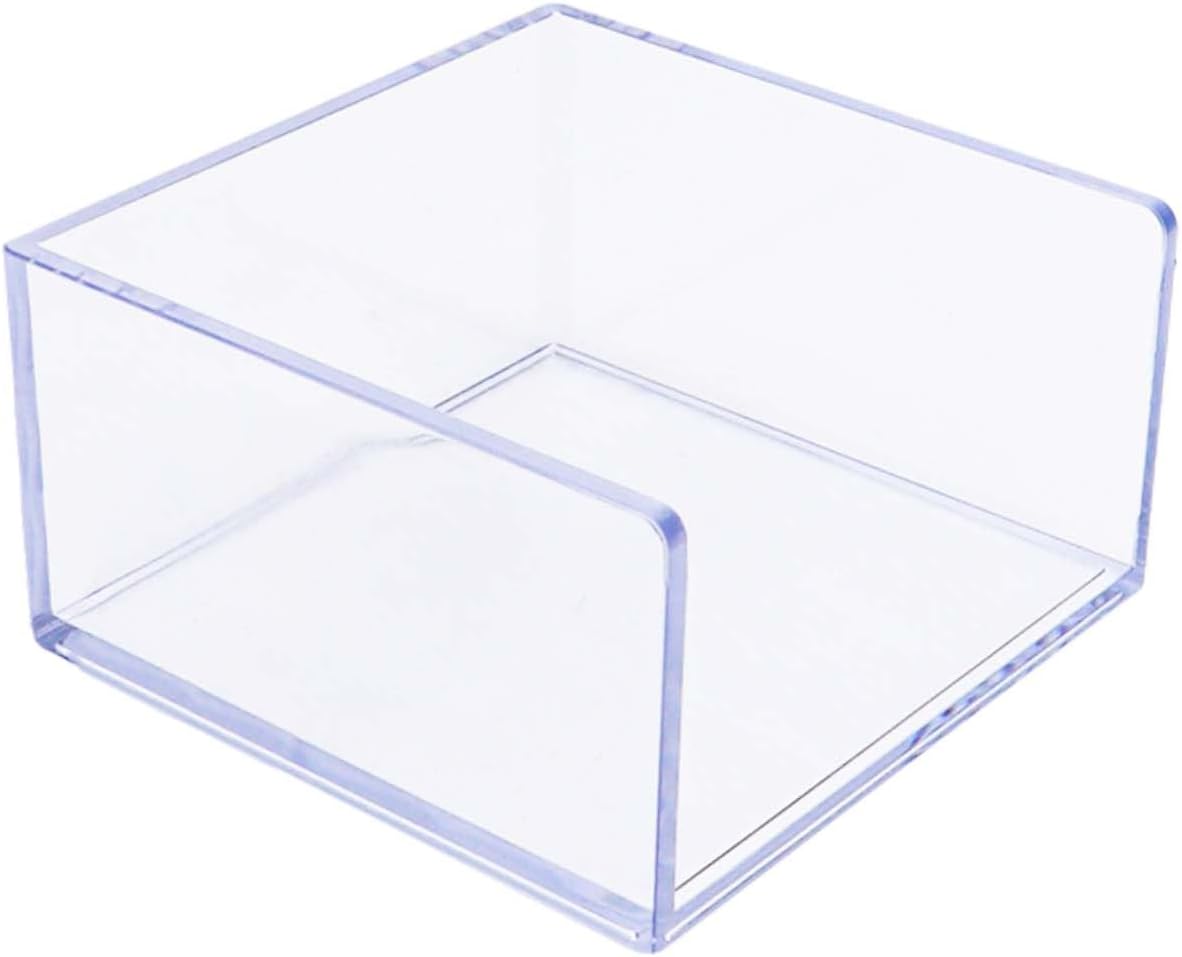
A well-maintained desk stand not only functions properly but also contributes to an organized workspace. Utilize holders and dispensers, like the Non-Sticky Note Holder Clear Acrylic Post It Note Holder, to keep your desk tidy. An organized space can reduce stress and improve focus.
Tips for Organizing Around Your Desk Stand:
- Store frequently used items within arm’s reach.
- Use trays or bins to categorize similar items.
- Keep cords and cables organized with clips or ties.
Consider the layout of your desk to maximize efficiency. Position your desk stand in a way that allows for easy access to your laptop and other essential items. An efficient workspace promotes productivity, making maintenance worth the effort.
Using Accessories Wisely
Many desk stands come with or can be paired with accessories that enhance their functionality. Items like the Magnetic Phone Holder or additional risers are great additions but should be used thoughtfully. Ensure that any accessories you add complement your main stand and do not compromise its stability.
When using accessories, be sure they are compatible with your existing desk setup. For example, if you utilize a laptop stand, ensure any additional holders do not obstruct airflow or block ports. Thoughtful integration of accessories leads to a more efficient workspace.
Repairing Minor Damage
Even with the best care, minor damage can happen. Small scratches or dents may appear over time, but many can be repaired relatively easily. For acrylic stands, consider using a plastic polish to buff out minor scratches. Aluminum stands can often be polished to restore their shine.
If you notice a significant issue, such as a broken hinge or a warped leg, consult repair options or consider replacing the affected parts if possible. Addressing minor damage promptly can prevent further deterioration and extend the life of your desk stand.
Where to start
Start your maintenance journey by creating a cleaning schedule. Mark your calendar for weekly cleanings and bi-monthly stability checks. This proactive approach will help keep your desk stand in good shape and ensure that you maintain a clutter-free workspace.
Next, assess your workspace and make necessary adjustments. Rearranging your desk can improve accessibility and functionality. By effectively combining maintenance practices with a well-organized layout, you’ll create an inspiring environment that fosters creativity and productivity.
From our shelves
- CloudValley Adjustable Laptop Stand, Magnetic Phone Holder
- Non Sticky Note Holder Clear Acrylic Post It Note Holder 3×3 in Memo Pad Paper Cube Dispenser Notepad
- Triyards Portable Laptop Riseru2013Self-Adhesive Aluminum Foldable Laptop Stand
Browse the Desk Stands and Risers range, or see everything in stock. Questions about what suits your setup? Talk to us or read the FAQ.